
 AskAIs
Available
iPhone & iPad
On the App Store
Install it from the App Store. It updates like any other app.
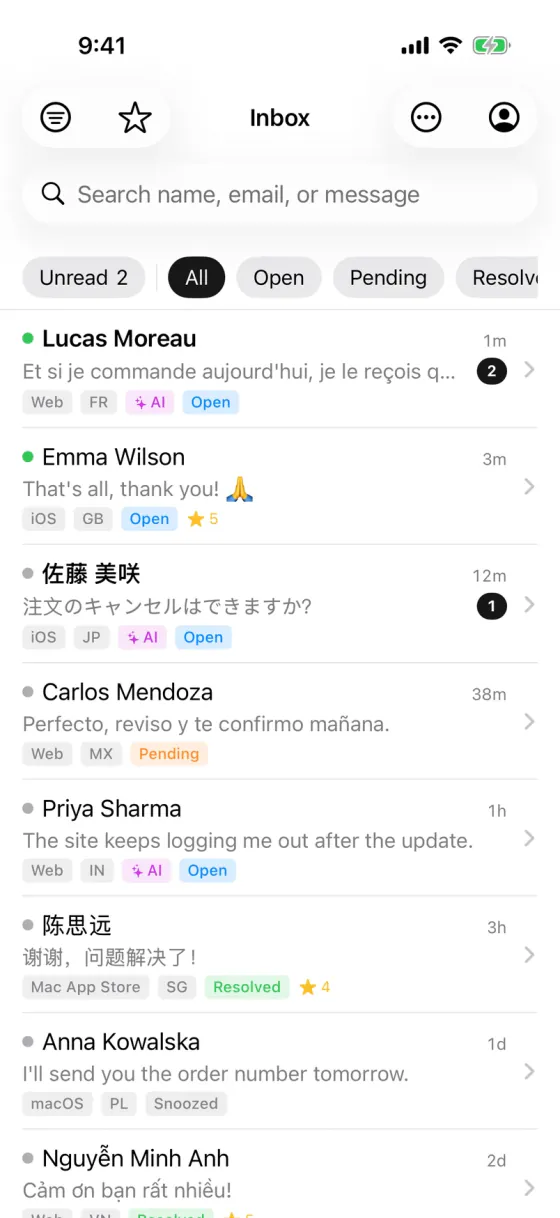
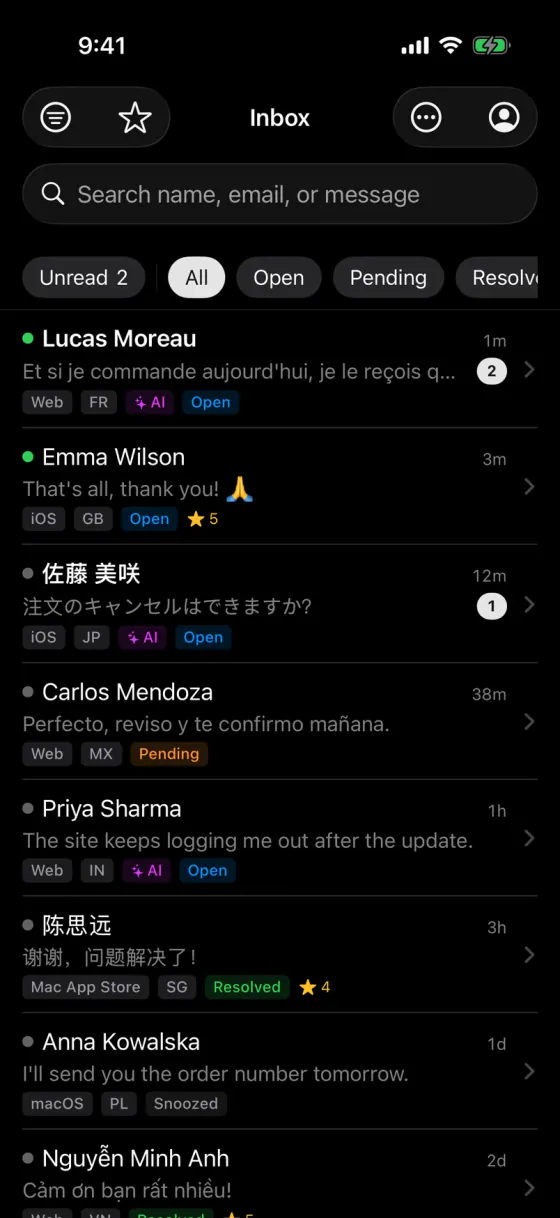
Your team inbox, AI replies and push notifications, on your phone.
App Store · Free
APK · Android 7.0 or later · 62 MB
If Android asks, allow installs from your browser.
Sign in with your AskAIs accountNew to AskAIs? Create a free account
Sign in with the same AskAIs account on your phone, tablet or computer. It’s the same inbox everywhere.
On the App Store
Install it from the App Store. It updates like any other app.
Nothing to install
The full dashboard in any browser: inbox, AI, knowledge base and team stats.
Until then, use AskAIs in any browser on your computer.
Direct download
A signed APK, downloaded straight from our website.
9ca20859f4562a75c56b9b8e87cebd9d56f342712f14bbdbff75d77a3053cf72After downloading, compare your file’s SHA-256 with this one to make sure it’s the file we published.
It all happens on your phone, and you only allow installs once.
On your Android phone, download the APK from this page (62 MB).
When the download finishes, tap the file in your browser’s downloads or in the notification.
If Android asks, allow your browser to install apps, then tap Install. You only do this once.
Open AskAIs and sign in with your AskAIs account.
A push notification for every new chat, so no customer is left waiting.
Open any conversation, see what the AI already answered, and take it from there.
Hand a conversation to the right teammate.
Leave notes that only your team can see.
Flag conversations you need to come back to.
Yes. The AskAIs app for iPhone, iPad and Android is free to download, and it works on every plan, including Free.
Yes. Create a free account on the web first, then sign in to the app with it. If a teammate invited you, sign in with the account from your invitation.
Yes. We sign the APK ourselves, and you download it straight from our website over HTTPS. To make sure your file is the one we published, compare its SHA-256 checksum with the one on this page. If Android asks you to allow installs from your browser, that’s expected for apps that don’t come from an app store.
Not yet. For now, download the Android app from this page. Once it’s on Google Play, we’ll add the link here.
On iPhone and iPad, the App Store updates it like any other app. For the Android APK, download the latest version from this page and install it over the one you have. The current version is 1.0.0.
Android 7.0 or later. The APK is 62 MB.
Mac and Windows apps are coming soon. Until then, use the full AskAIs dashboard in any browser on your computer, with nothing to install.
One agent, 100 AI replies a month and the iPhone, iPad & Android app. Free forever. Upgrade when your team grows.