
 AskAIs
Knowledge base
Learns from your own content
Upload files, crawl pages from your website, or add questions and answers. The AI looks up the most relevant passages before it replies.
- Word
- TXT
- Markdown
- CSV
- JSON
- Website pages
- Q&A pairs
An AI agent that answers from your own content, one inbox for the whole team, and apps for iPhone, iPad and Android.
It answers from your knowledge base, in your customer’s language, and brings in your team when a customer asks for a person.
Upload files, crawl pages from your website, or add questions and answers. The AI looks up the most relevant passages before it replies.
When a customer asks for a person, the AI hands the chat to your team. Reply to take over any chat, and hand it back to the AI in one click.
Open any AI reply to see what it looked up and the checks it passed.
Use our hosted AI, or connect your own OpenAI, Anthropic or OpenAI-compatible key. Works on every plan, and your plan’s monthly AI reply limit applies either way.
The chat widget comes in 44 languages and the AI replies in the customer’s language. Translate any incoming message with one click, and translate your reply before you send it.
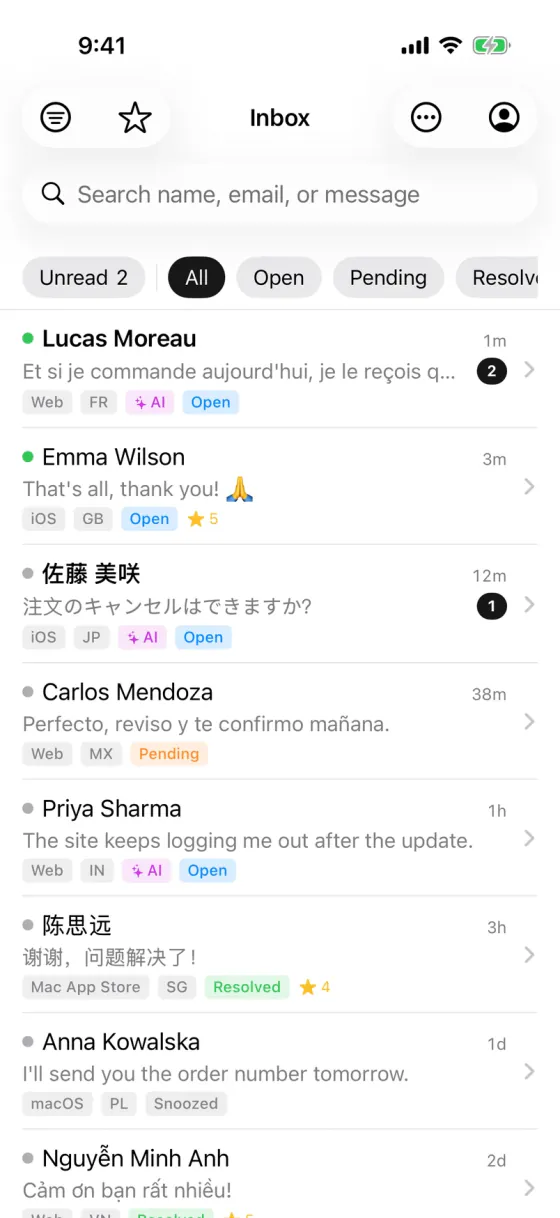
Chats from your website, your app and Telegram land in one place, updated in real time.
Give a chat to a teammate, and filter the list by mine or unassigned.
Keep the chats you’re following at the top of your list.
Leave a note for your team inside the chat. Customers never see it.
Save the answers you send most and insert one by typing /.
Set your hours and send an automatic reply when nobody is online.
Answer common questions instantly when a message matches a keyword.
See who you’re talking to: location, local time, device, browser and past chats.
Customers and your team can send images, PDFs and other files in the chat.
Find any chat by the customer’s name, email or latest message.
Customer ratings and team stats, plus a few extras on paid plans.
Customers can end the chat and leave a 1 to 5 star rating with a comment. You see it next to the conversation.
Replies, resolved chats, resolution rate, median first response time, average resolution time and ratings, per teammate.
Tap the mic, talk, and your words are typed into the reply box. The audio isn’t kept.
Hide the Powered by line in your chat widget, or replace it with your own text and link.
AskAIs for iPhone, iPad and Android · Free to download
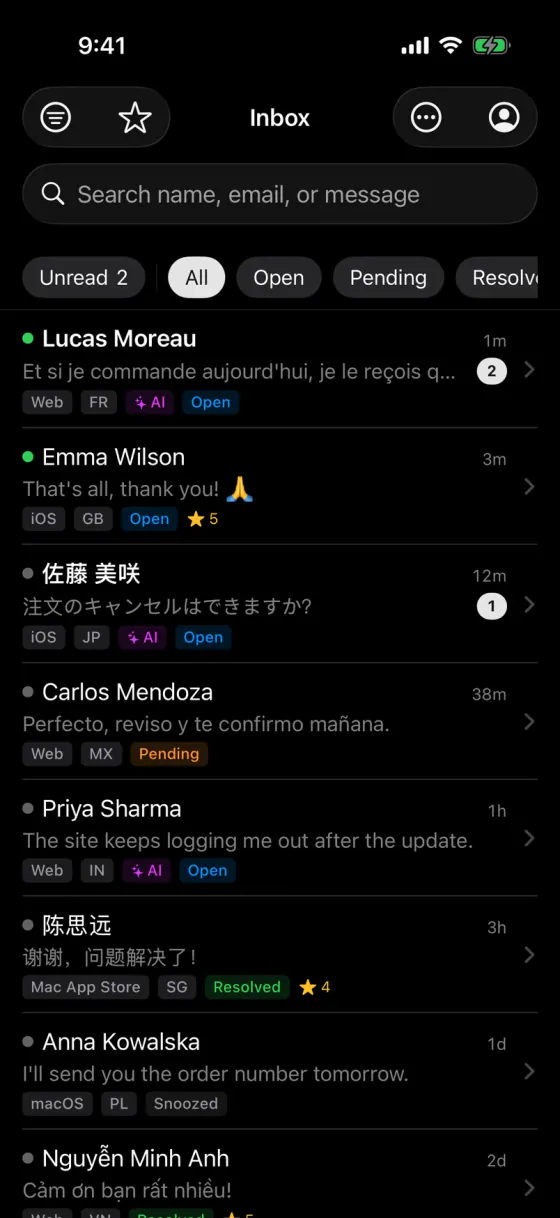
Get a push notification for every new chat. Reply, assign, add internal notes and flag follow-ups from wherever you are.
Add one script tag to your website, open the same chat inside your app, or connect a Telegram bot.
Paste one script tag and the chat widget appears, on desktop and mobile browsers.
<script src="https://askais.com/widget.js"
  data-app-id="YOUR_APP_ID"
  data-base-url="https://askais.com"
async></script>Open the same chat in a WebView in your mobile or desktop app.
Connect your Telegram bot. Messages land in AskAIs, and your replies go back to Telegram.
Pass your signed-in user’s name and email, with an optional signature, so your team knows who they’re talking to.
Connect your AI assistant to your AskAIs workspace with an MCP key. Read and answer conversations, train the AI and check your numbers without leaving the editor.
The server speaks streamable HTTP at:
https://askais.com/api/mcp/mcpAdd it to Claude Code:
claude mcp add --transport http askais https://askais.com/api/mcp/mcp --header "Authorization: Bearer YOUR_MCP_KEY"Create a key in your AskAIs dashboard: open MCP in the sidebar, then Access & keys. Workspace owners and admins can create keys on every plan, and a key only reaches the workspace it was created in.
One agent, 100 AI replies a month and the iPhone, iPad & Android app. Free forever. Upgrade when your team grows.